An agent run produces far more events than a person wants to read. It opens files, searches, changes its plan, delegates work and runs checks. Showing every event with equal weight makes the transcript longer while making the run harder to understand. The useful question is what the person needs to know now, and what they may need to inspect later.
Give the run a readable top layer
For each action, start with a specific verb, a recognizable target and its current state. Read src/auth/session.ts is easier to understand than Tool execution complete. For a completed command, a short result such as 12 tests passed helps more than a wall of output. Keep the arguments and full output available behind an expandable detail.
Reserve large surfaces for information that requires space: a diff, a preview of a generated artifact, or a decision with consequences. A routine file read rarely needs its own framed card. Repeating containers around every event makes the frame the dominant visual element.
Compare the compact layouts in Tool call, Terminal and File edit. Their job is to fit between the assistant's sentences while still allowing inspection.
Keep proposal, permission and result distinct
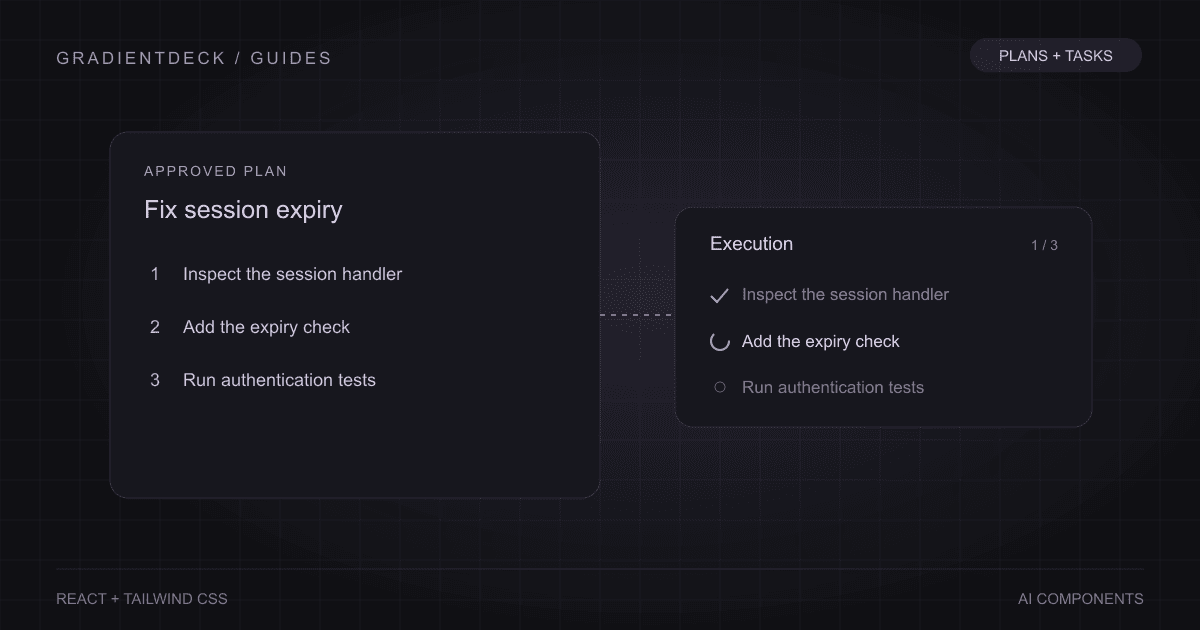
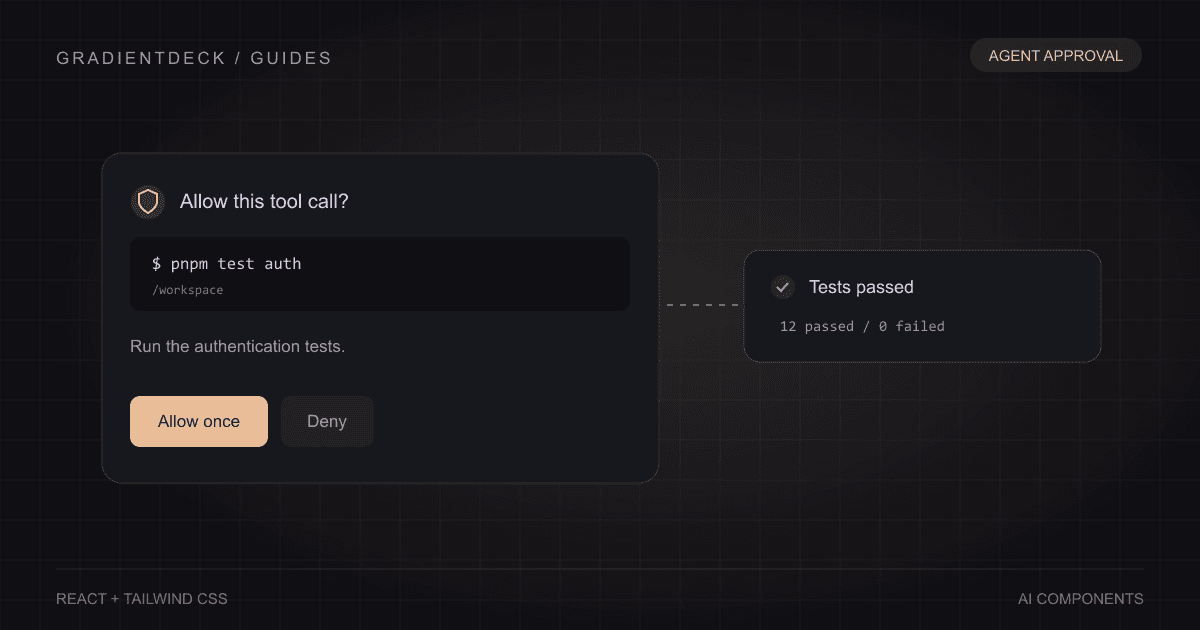
A plan says what the agent intends to do. An approval records a person's decision. A tool result records what happened. Collapsing those into a single green check makes the interface reassuring at exactly the moment it should be precise. An approved command can fail. A completed plan can still leave a verification step unfinished.
- Show the proposed action with the relevant command, scope and reason.
- Record allow or deny against that action's stable identifier.
- Wait for the backend to authorize and report execution.
- Display the actual result, including a failure or cancellation.
The tool approval guide demonstrates this separation. The plan and task progress guide applies the same idea to a longer sequence.
Parallel work needs names and ownership
If three agents are working at once, three identical spinners tell the reader almost nothing. Show who is responsible for each task, what they are doing now and whether they need input. A reviewer waiting for access should look different from an explorer actively reading files. Keep agent identity stable even as its state changes.
The layout depends on the question. An activity feed is useful when the order of events matters. A roster is better when someone needs to inspect one agent in depth. A compact dock can keep the current work visible while the person writes another message. Use the layout that helps the person track responsibility, rather than displaying a tree simply because the implementation uses one.
Subagent tree includes these different arrangements. Try a waiting agent, a failed agent and an agent that completes early before settling on a layout.
Make the quiet states explicit
Queued, paused, waiting for approval and waiting for input can all look like inactivity. Give those states short labels. If an action has failed, say what remains available: retry it, revise the request, continue without that source, or stop. Avoid presenting every interruption as a generic error toast that disappears before the reader can act.
Expose important status messages to assistive technology without moving focus for every update. W3C's guidance describes this distinction: a status can report progress or a result while the person continues using the current control. It does not follow that every token or log line should be announced. Choose the meaningful transitions.
Preserve the record after the motion ends
An animated run can look convincing in a preview and become confusing when finished. Check the final transcript on its own. Can the person see which files changed, what was verified and which steps were skipped? Can they reopen the output behind a summary? Do cancellations remain distinguishable from successful completion?
Use animation to direct attention to a change, then leave enough evidence for someone returning later. A readable activity interface works during the run and after the tab has been closed and reopened. The persistent record is what turns a performance into a tool people can trust.