Start past the blank page.
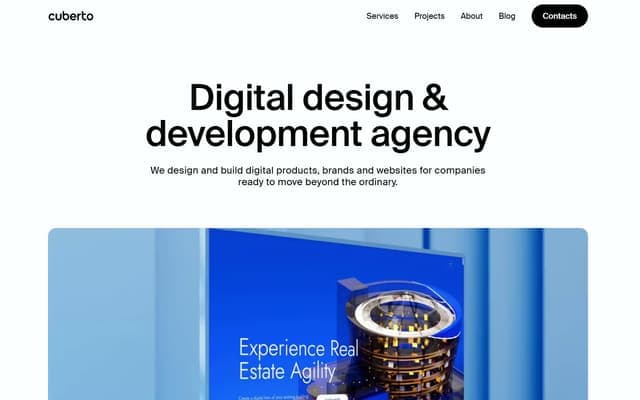
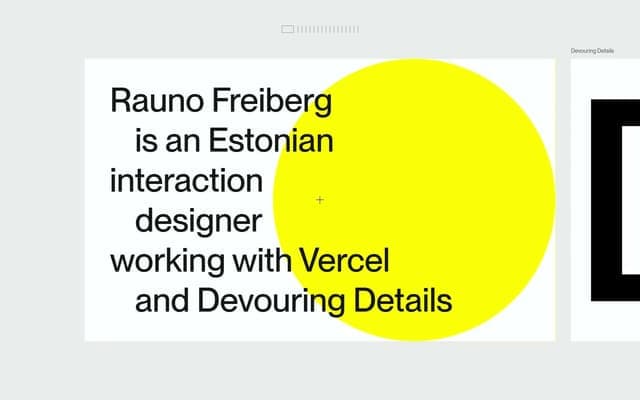
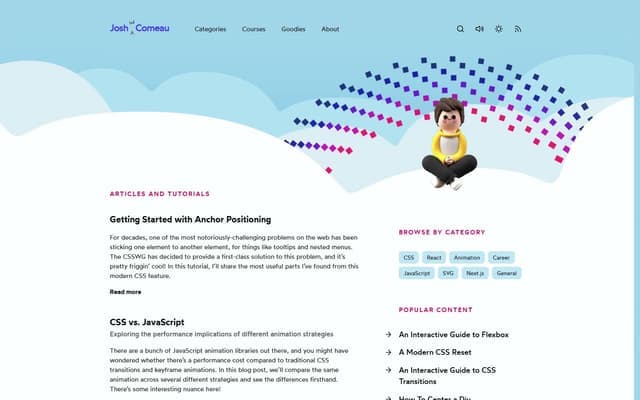
Explore light, dark, expressive, and restrained directions. Find a reference that suits the product you’re making.
Design systems from real websites, written as DESIGN.md files. Give Claude Code, Codex, or Cursor the exact colors, type, spacing, and component rules to build with.

Why we built it
AI can write the interface. It still needs a direction.
GradientDeck started with the ingredients: gradients, palettes, shadows, and the small details that make a page feel right.
But a collection of good ingredients still needs a recipe. A color palette alone can’t tell your agent how to pair type, space a layout, or make a button feel like it belongs.
We built GradientDeck UI to connect those decisions. Pick a site you admire and take its visual language with you, in a file your agent can read.
Less guessing at the look.
More time making it yours.
Choose a reference. Take the rules. Give your agent a clear starting point.
The file gives your agent specific colors, type, spacing, and component rules to work from. Your product supplies the content and purpose.
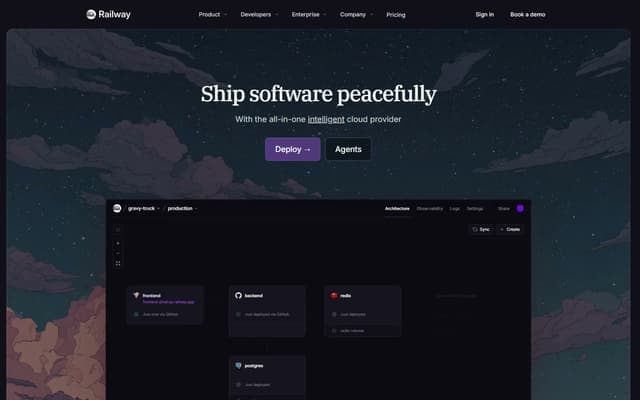
Read https://ui.gradientdeck.com/styles/railway/design.md and save it as DESIGN.md in this project. Build a landing page for my product, following its colors, typography, spacing, and component rules. Use my own content and brand; adapt the design direction to my product.
No plugin, account, or special file format needed.
1 Find a visual direction.
2 Add DESIGN.md to your project.
3 Ask your agent to follow it.
Each file is measured from the live site, then written up so an agent knows what every value is for, not just what it is.
# Railway — Style Reference

**Theme:** dark

## Colors

| Name            | Value     | Role                             |
|-----------------|-----------|----------------------------------|
| Midnight Canvas | `#13111c` | Page background and top bar      |
| Deploy Violet   | `#553f83` | The hero Deploy button fill      |
| Lilac Signal    | `#a78bfa` | Inline highlights, active labels |

## Typography

### IBM Plex Serif — The display voice
- **Substitute:** Georgia, Cambria, serif
- **Weights:** 400, 500
- **Letter spacing:** -1.96px at 54px

## Spacing & Layout

**Base unit:** 4pxExplore light, dark, expressive, and restrained directions. Find a reference that suits the product you’re making.
Give your agent one place to look for color, type, spacing, and component guidance as it builds new screens.
It’s a Markdown file in your project. Read it, edit it, and use it with the coding agent you already work with.
A reference is a starting point. These GradientDeck tools help you adjust it for your brand.
A DESIGN.md is a Markdown file that describes a visual design system: its colors and what each is for, its typefaces and type scale, spacing, components, and rules. Coding agents read it like any other project file and follow it when they build interfaces.
Save the file as DESIGN.md in your project, then ask your agent to follow it when it builds or restyles a page. You can also paste the file’s URL into the prompt and ask the agent to fetch it. No plugin or special setup is needed.
Each file describes a site’s visual language so you can learn from its decisions, not clone it. Use your own content, brand, and assets, and adapt the direction to your product. Licensed fonts named in a file need their own licence, so every file lists open substitutes.
Yes. Browsing the library and copying any DESIGN.md is free, and you don’t need an account.
A palette gives you colors. A design system also says where each color goes, which type to pair with it, how to space a layout, and how components behave, which is what an agent needs to build a coherent page.
The direction is there. What you make of it is yours.
Explore GradientDeck UI Free to explore. No account required.