A prompt box and a message list can get a prototype working quickly. The harder decisions arrive when someone sends a second question, changes their mind during a reply, or asks where an answer came from. Those interactions determine which components the chat needs. Picking every available control first usually leaves you with a crowded composer and a thread that is difficult to follow.
Start with one complete conversation. Write down what the person sends, what arrives in response, what they can do while waiting, and what happens when the request fails. Choose the interface pieces from that sequence.
A short assistant needs a small composer
For a support question or a quick rewrite, begin with a prompt input, a response area and a useful empty state. Add attachments only if the assistant can process them. A paperclip that opens nothing makes the interface look more capable than it is. The same applies to microphone buttons and model menus: a familiar symbol still promises an actual action.
Choose the composer shape for the space it occupies. A narrow sidebar may suit a compact input. A full workspace can afford an attachment tray and a second row of controls. A large landing-page prompt is useful for getting started, but its height can become wasteful once the person is reading a long thread.
Streaming adds a second interaction
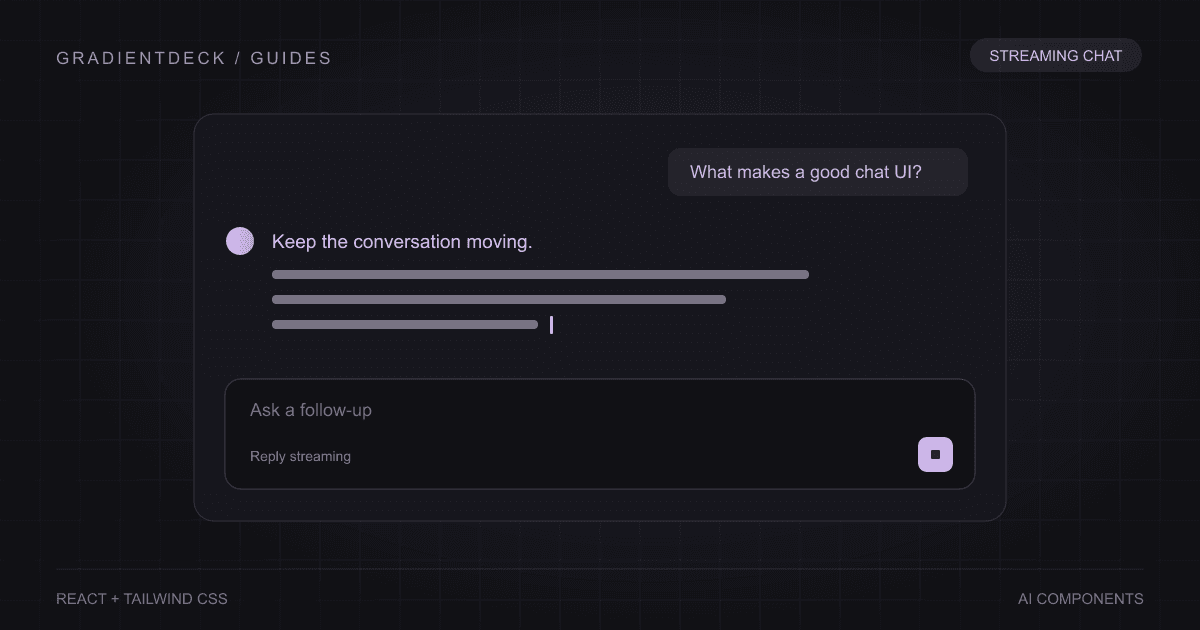
Before sending, the primary action is submit. During generation, the useful action may be stop. Keep that change predictable, and preserve the partial reply if your product allows someone to continue from it. A loading shimmer cannot explain a cancelled request, an interrupted connection or a completed answer by itself.
- Keep draft text separate from the submitted message and current response.
- Disable duplicate submission or deliberately support concurrent requests.
- Connect Stop to cancellation of the active request, not just the visible animation.
- Show a recoverable error when the stream fails, with enough context to retry the intended question.
The streaming chat guide connects Prompt input and Streaming text around one parent-owned request. Its sample transport is deliberately small so the state transitions are easy to inspect.
Research answers need sources beside the claim
A list of sources at the bottom is a useful starting point. Inline citations help when a long answer makes several claims supported by different documents. Use both when readers need to inspect the evidence: a nearby citation explains the relationship, and a source card provides a destination.
Keep citation references attached to the same source list as the answer. Reordering the list after the answer has rendered can change what a numbered citation points at. Also distinguish a page the agent visited from a passage that actually supports its conclusion. A source badge is not a guarantee of accuracy.
See Inline citation, Sources list and the cited answers guide for the two views working together.
Long conversations need navigation
Thread history, session tabs and scroll controls become useful when people return to earlier work. Test what happens when a reader scrolls up while new text arrives. If every token pulls them to the bottom, the app has taken away their place. A separate jump-to-latest control lets them decide when to follow again.
Keyboard behavior matters here too. A visual row of tabs needs a coherent focus model and selection behavior. W3C's tabs pattern documents how arrow keys, Tab and the active panel work together. Reusing a component reduces setup work, but the surrounding application still has to maintain the selected conversation and restore its content.
Agents need an activity layer
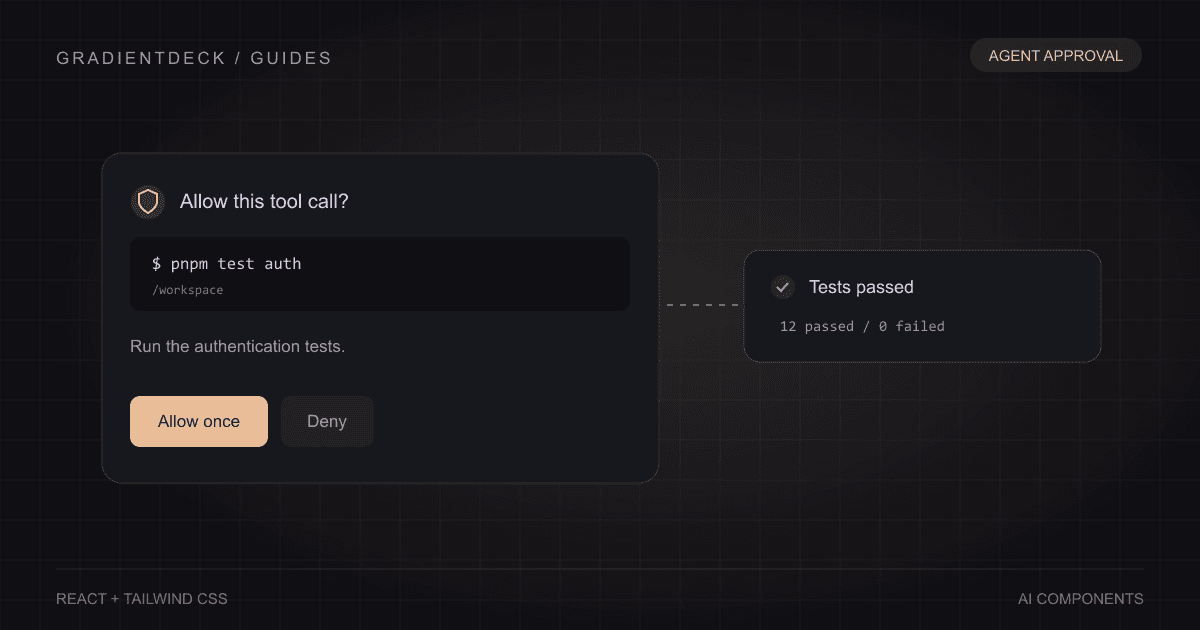
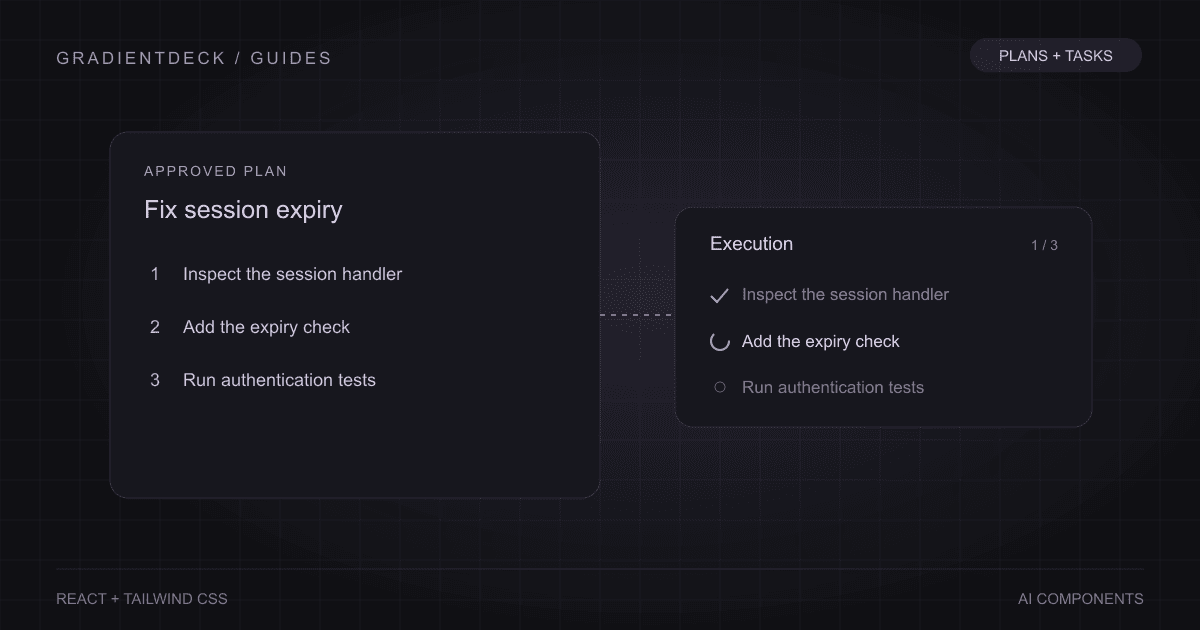
When the assistant runs tools, changes files or pauses for permission, messages alone leave out important state. Keep the conversation readable and insert activity where it belongs. A file change can be one expandable line. A command can show its result with output available on demand. An approval request needs a clear decision before execution continues.
Use the Agent activity collection for these interactions. Build the thread first, then introduce the activity types that your backend really emits.
Choose after testing a difficult conversation
Try an empty submission, a paragraph-long question, a slow response, cancellation, a failed request and a narrow screen. Follow a citation using the keyboard. Switch conversations while a response is active. These checks reveal whether you need another component or a better connection between the ones already present. The right collection is the smallest set that makes the whole conversation understandable.