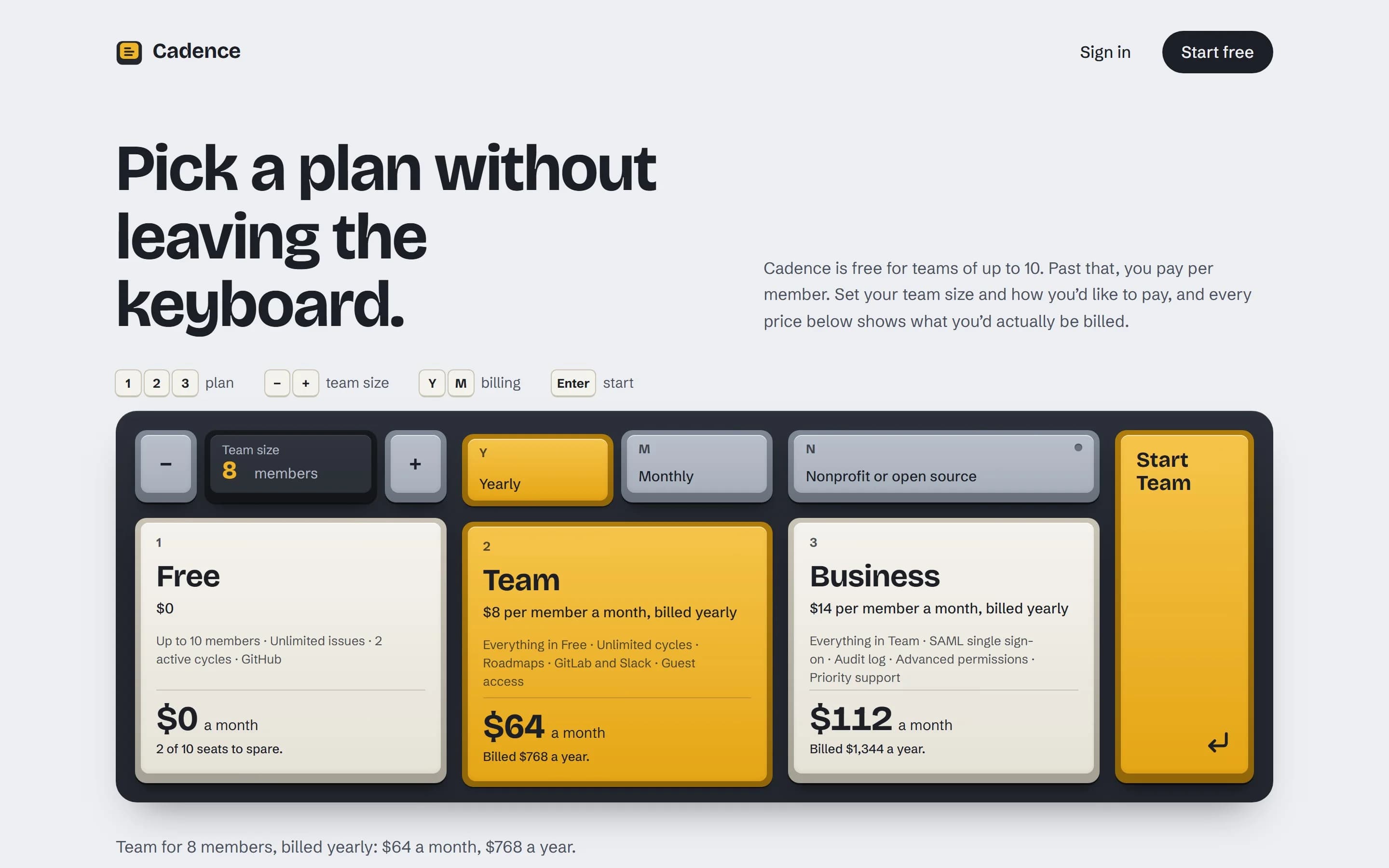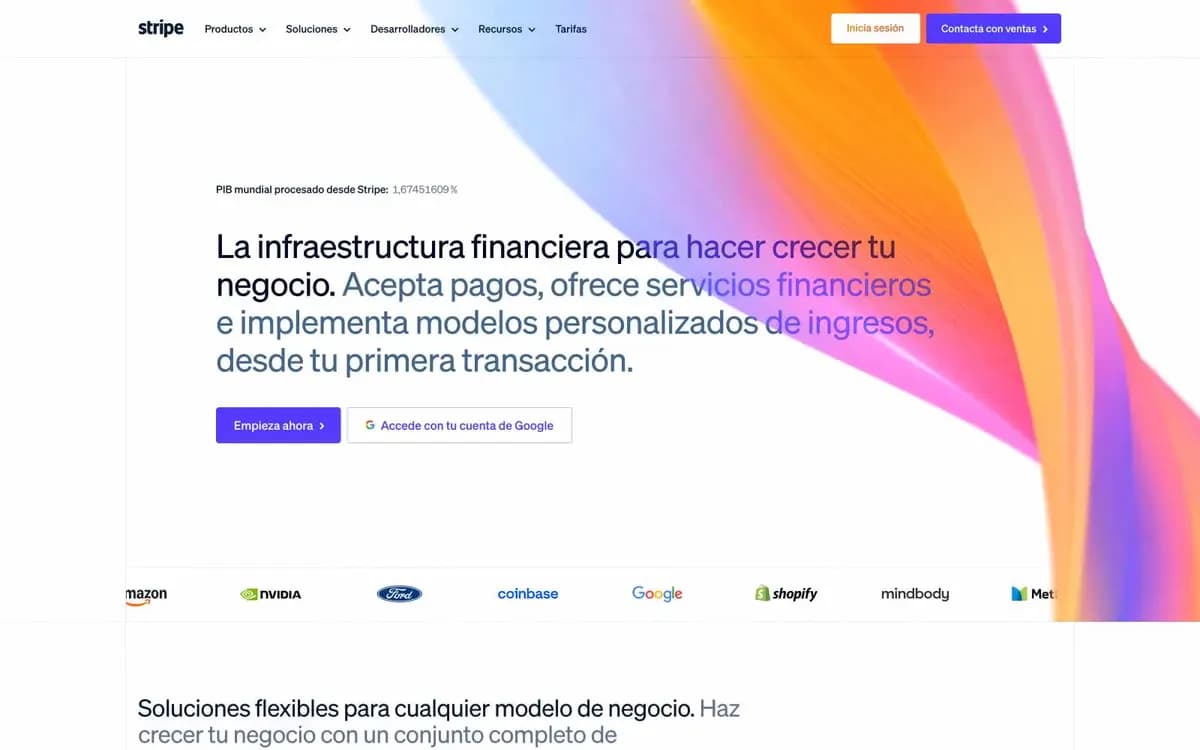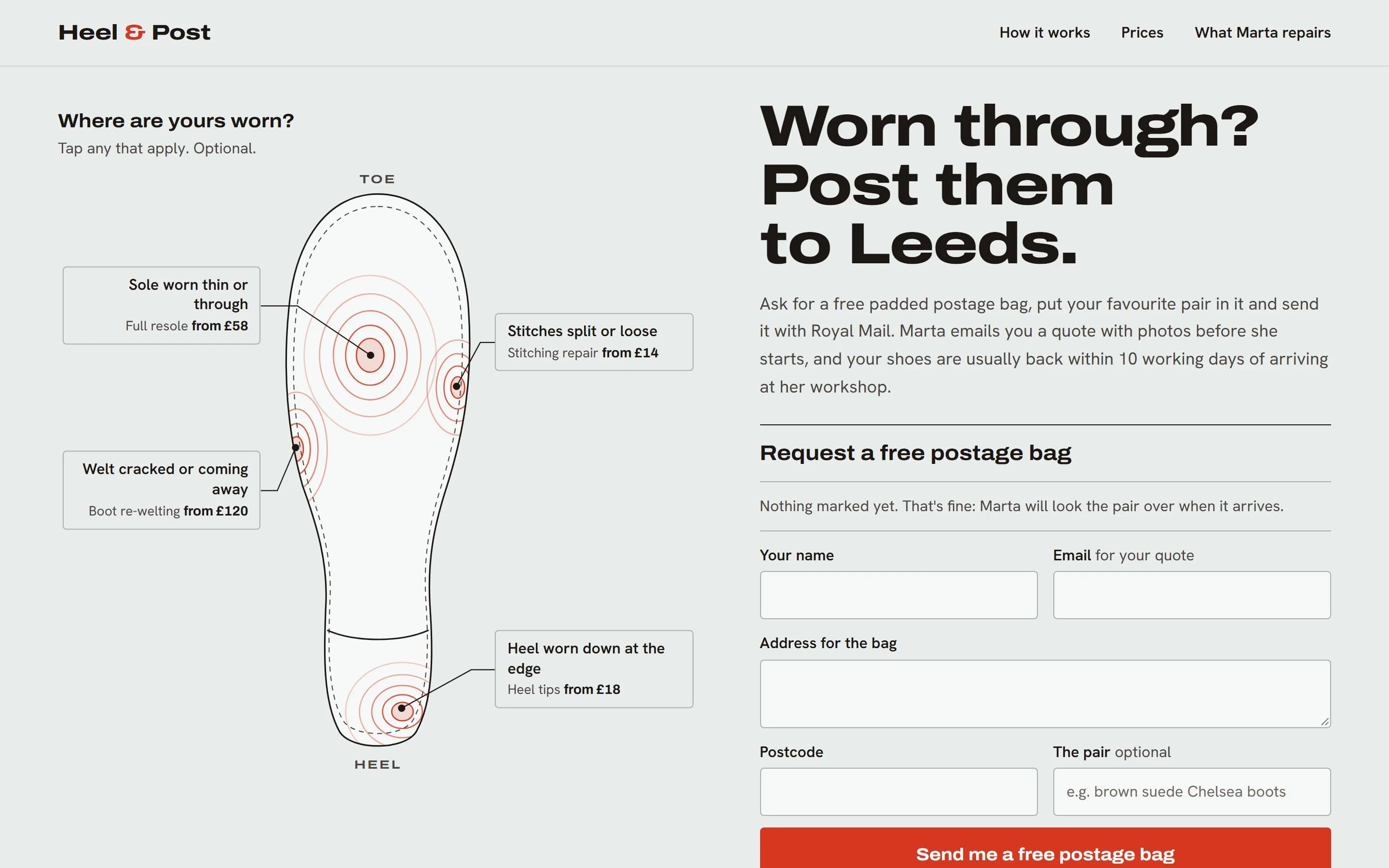
Most agent work is not a new landing page. It is the fifth screen of an app that already has a look: a billing page, a settings panel, an empty state. Here the risk is the opposite of a generic page. The agent tries to improve things. The new page gets slightly different spacing, a new grey, a 10px corner where the app uses 8px, and a fresh button that almost matches the old one. Each change is small. Together they make the page look like it came from a different product.
This article covers how to keep new screens consistent with the old ones, with any agent and any stack.
First, decide how much the agent may invent
Say which of these three situations you are in. If you don't, agents tend to treat every request as a chance to design something new.
- Extend: you are adding to a look that already exists, such as another settings tab. The agent inherits everything and decides nothing about style.
- New surface: the app has a look, but this is a new kind of page, such as the first pricing page or the first docs page. The agent inherits colors, type and components, and decides only the structure.
- New look: a new product, or a redesign you asked for. Only here should the agent choose a visual direction.
If you can't tell which one applies, look for evidence. A DESIGN.md file, a Tailwind @theme block, CSS custom properties, a components folder and existing pages all mean Extend or New surface.
Then, what kind of page it is
The same product can need very different amounts of expression on different pages. Decide from the page, not the product:
- Persuade: landing, marketing and launch pages. Success means the visitor wants the product and acts. Character can live everywhere.
- Operate: app screens, dashboards, settings, admin. Success means the task gets done quickly, every day. Character lives in precise details such as type, color, density and states, never in invented layouts or unusual controls.
- Read: docs, articles, help pages. Success means the reader understands. Character lives in the frame and headings around a calm reading column.
A developer tool's homepage is Persuade; its settings page is Operate. A settings page that tries to be as expressive as the homepage is harder to use, not more memorable.
Take stock before writing code
Ask the agent to look around before it builds. It is cheaper than undoing a page that has drifted.
- Find the tokens: DESIGN.md, Tailwind @theme blocks or tailwind.config, CSS custom properties on :root or .dark, a theme object, or a tokens folder.
- Find the components: a components or ui folder, a components.json file, a component library theme, and which variants and props each component has.
- Find the nearest sibling: the existing page most like the new one. It sets the container width, heading sizes, section spacing and empty and loading states.
- Measure what is actually used, not just what is declared.
- Note the conventions: file names, how classes are written, how icons are imported, and whether copy uses sentence case.
Step four matters more than it looks. A token that nobody uses is not really part of the system, and a value used in eighty places is, whether or not it has a name. A quick count shows the real scale:
# Which corner radii does the app really use?
rg -o --no-filename "rounded-[a-z0-9\[\]\.]+" src \
  | sort | uniq -c | sort -rn | head

# Which raw hex colors appear, and how often?
rg -o --no-filename "#[0-9a-fA-F]{6}\b" src \
  | sort | uniq -c | sort -rn | head -20
If two greys are almost identical, or one radius appears only once, note it. Don't let the agent tidy it up inside a feature change.
Ask for a short contract first
Before the agent writes any code, ask it to fill in a few lines like these. They take a minute to read and catch most drift before it happens:
Situation: New surface
Mode: Operate
Template: app/settings/profile/page.tsx
Reusing: surface, text and accent tokens;
  Card, Button, Table, EmptyState
New: an "overdue" Badge variant, because no
  existing variant marks a warning that
  isn't an error
Not touching: globals.css, the Button
  component, the navigation
Flags: two near-identical greys (#6b7280,
  #6b7180); the profile page's focus ring
  fails contrast on the dark theme
Every new token, component or variant has to be listed with a reason. Any existing problem the agent noticed goes under Flags, as a report rather than a change. If the New line is long, ask why before any code is written.
Rules worth giving
- Use existing tokens, starting with meaning-based ones (text, surface, accent, border). No raw values. If nothing fits, add a token on purpose and say so.
- Don't add a dependency, such as a UI library, icon set, font or animation library, without asking.
- Only add to global CSS. Never edit or reorder the existing rules.
- Prefer an existing component, then a combination of existing components, then a new variant, then a new component. One-off overrides come last and need a reason.
- Match conventions exactly: file names, prop names, class order and the tone of the copy. New code should look like the same team wrote it.
- Report problems in existing code; don't fix them on the side.
- Never inherit an accessibility failure. If an existing token fails contrast or hides focus, fix it locally for the new page and flag the source.
What drift looks like in code
Drift is easy to spot once you know the signs: raw values, and a new element that duplicates an existing component.
// Drifted: raw values and a hand-made card
<div
  className="rounded-[10px] bg-[#f7f7f8]
             p-[18px] shadow-md"
>
  <h3 className="text-[15px] font-semibold
                 text-[#1f2937]">
    Invoices
  </h3>
  <button className="mt-3 rounded-full
                     bg-indigo-600 px-4 py-2
                     text-white">
    Download all
  </button>
</div>

// Matching: the app's own Card, Button and tokens
<Card>
  <CardHeader>
    <CardTitle>Invoices</CardTitle>
  </CardHeader>
  <CardContent>
    <Button variant="secondary">
      Download all
    </Button>
  </CardContent>
</Card>
The second version is shorter and will change with the rest of the app. If someone adjusts the card radius next month, this page follows.
Check it beside its sibling
- Open the new page next to the template page at 1440 and 390 pixels wide. They should look like the same product.
- Every color, size, radius, shadow and spacing value in the change refers to a token.
- There are no new dependencies, and global CSS was only added to.
- Each new token, component or variant is listed with a reason.
- Existing problems are reported, not quietly changed.
Write the system down once
Each new agent session starts without the context of the last one. A DESIGN.md at the project root gives it the system on the first read. You can ask the agent to write one from the code: tokens as they are actually used, each with where it came from and how confident the agent is about its role.
## Colors

- Text #111827
  From --color-text in app/globals.css. High.
- Muted #6b7280
  Inferred from usage, 64 places. Medium.
- Accent #4f46e5
  From --color-accent; buttons, links. High.

## Open questions

- #6b7180 appears 3 times next to #6b7280.
  Same role, or a mistake?
Low confidence means the role is a guess, so you know where to look. Leave the open questions for a person to decide. Agents that read the file afterwards should treat it as the authority over their own taste.
With GradientDeck Skill
GradientDeck Skill follows this process automatically. In a project that already has a look, it works out which situation it is in, takes stock of tokens, components and the nearest page, writes the contract before building, and reuses what exists. Ask it to extract and it writes DESIGN.md from your code, with sources and confidence for each token. Bold new ideas are only for new products and redesigns you ask for.
npx gradientdeck install